

Create a set
A set is the songs of a gig or a rehearsal in the right order. Every set belongs to a band; all members of the band see it on their device.
The band’s Leader and Set planner and the admins of the organization may create and change sets. Everybody else sees the set and plays it, but does not change it (see Roles).
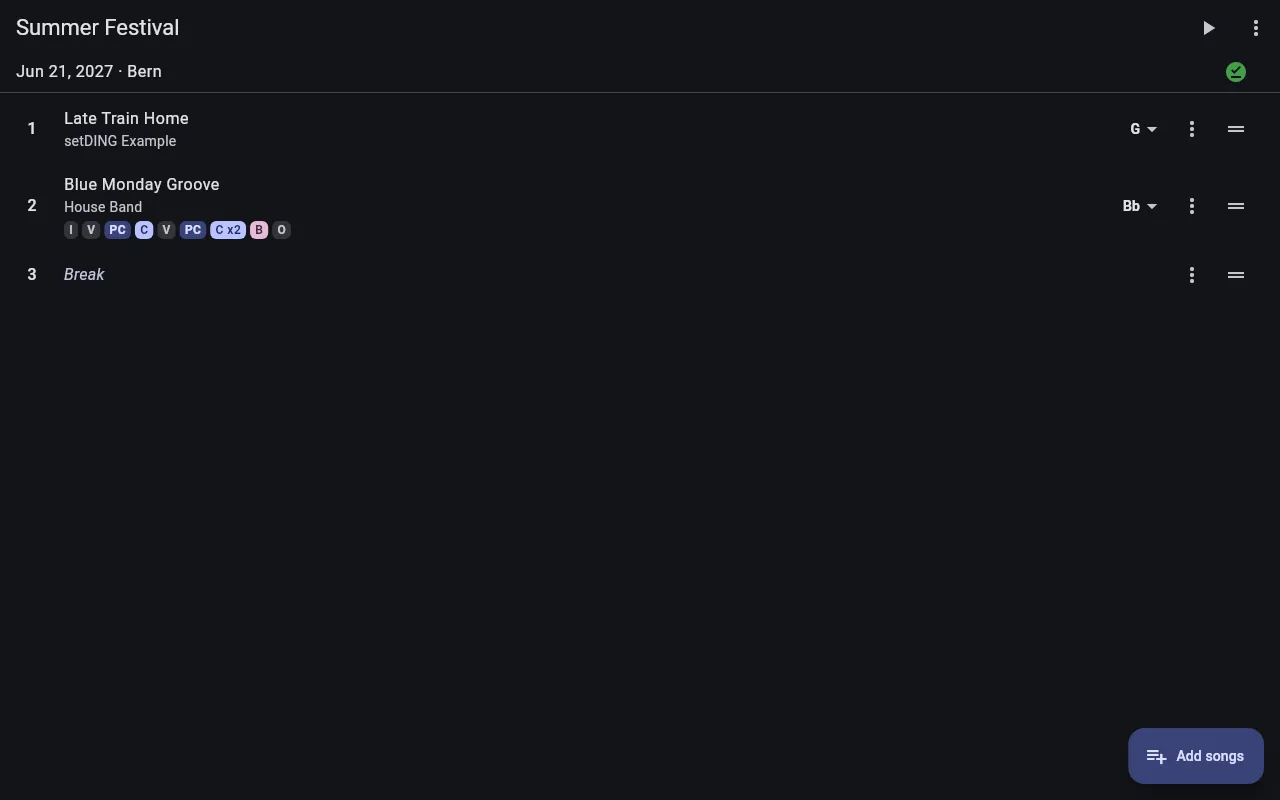
The list of sets
Section titled “The list of sets”Sets shows the sets of the selected band. If you are in several bands, switch between them at the top right with Switch band.
The sets are grouped by date: Upcoming, Without date and Past. Past sets are collapsed; tap Show past sets to see them. The next set is marked as Next gig, with the number of days until then.
Pull the list down to sync right away.
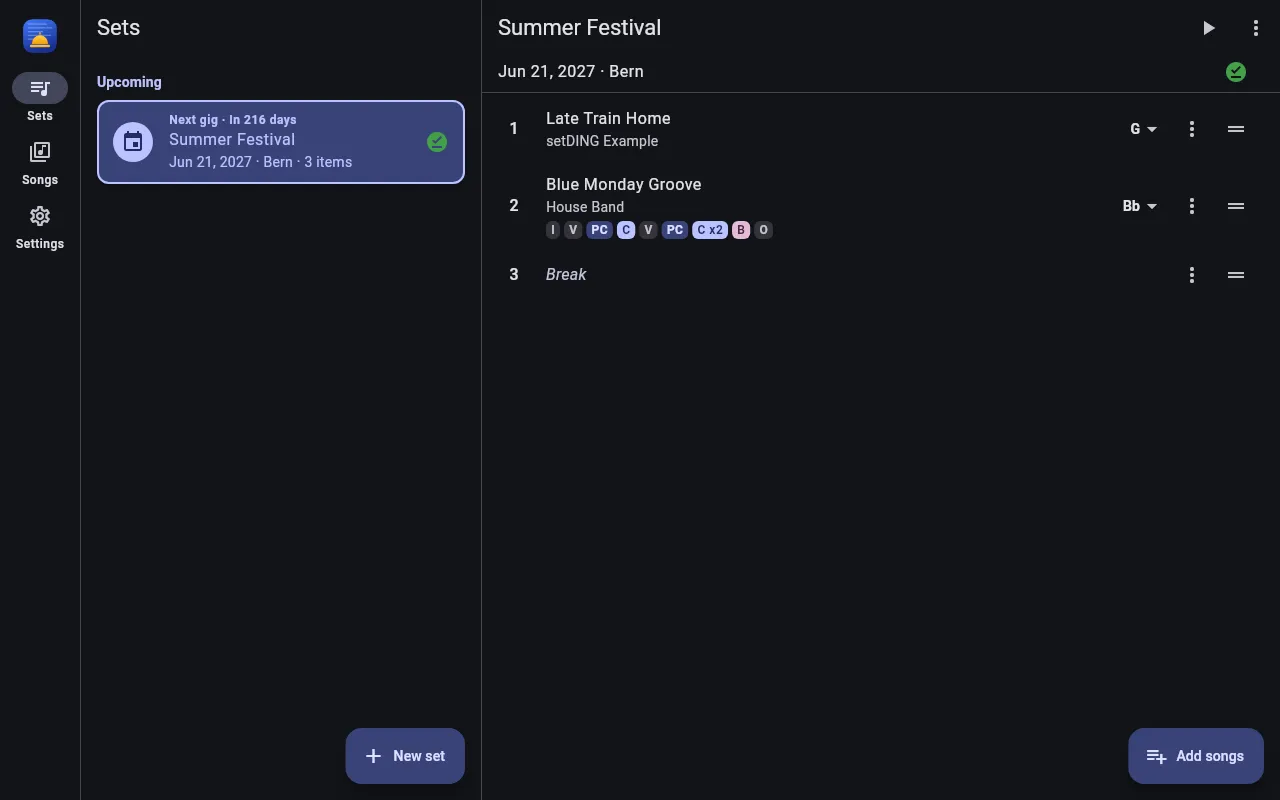
Create a new set
Section titled “Create a new set”- On Sets, tap New set.
- Enter a Name, optionally the Venue, and the date of the gig with Pick date.
- Tap Save.
Change the name, venue and date later in the set’s ⋮ menu with Edit set.
Add songs
Section titled “Add songs”- Open the set and tap Add songs.
- Select the songs; Search songs finds them faster.
- Tap Add. The songs are added at the end of the set.
To change the order, drag an item up or down by the handle on the right.
Breaks and texts
Section titled “Breaks and texts”The set’s ⋮ menu adds at the end of the set:
- Add break – a break, optionally with a name.
- Add text – a short text, e.g. an announcement or the encore.
Then drag the item to the right place.
Breaks and texts get a page of their own in live mode and are separator rows in the printed set list. Change them with Edit in the item’s ⋮ menu.
Remove items
Section titled “Remove items”In an item’s ⋮ menu, tap Remove from set. The song stays in the song library; it is only removed from this set. Right afterwards, Undo brings it back.
Copy and delete a set
Section titled “Copy and delete a set”- Copy to band copies the set with all its items into another band of the same organization, e.g. for a second line-up. There the other band’s arrangements apply (see Key and sequence).
- Delete deletes the set. The songs are kept.
- Set the key and sequence for each song
- Offline ready, print and share